01
What is the Microsoft Project Advanced course about?
Our Microsoft Project Advanced Training Course helps experienced Microsoft Project users develop advanced skills in project reporting, resource management and customisation. The programme covers resource sharing, S-curves, custom fields, WBS codes, project templates, linked projects, custom views and Excel-based visual reports. Participants will learn how to manage project information more efficiently, create customised reports and improve project planning across multiple projects.
02
Is the Microsoft Project Advanced course suitable for beginners?
No. Microsoft Project Advanced is designed for participants who already have a good understanding of Microsoft Project. You should be familiar with creating project plans, managing tasks, setting dependencies and assigning resources. If you are new to Microsoft Project, we recommend completing Microsoft Project Basics from Zero or Microsoft Project Basics and Intermediate before joining this course.
03
What is the difference between Microsoft Project Basics, Basics and Intermediate, and Advanced?
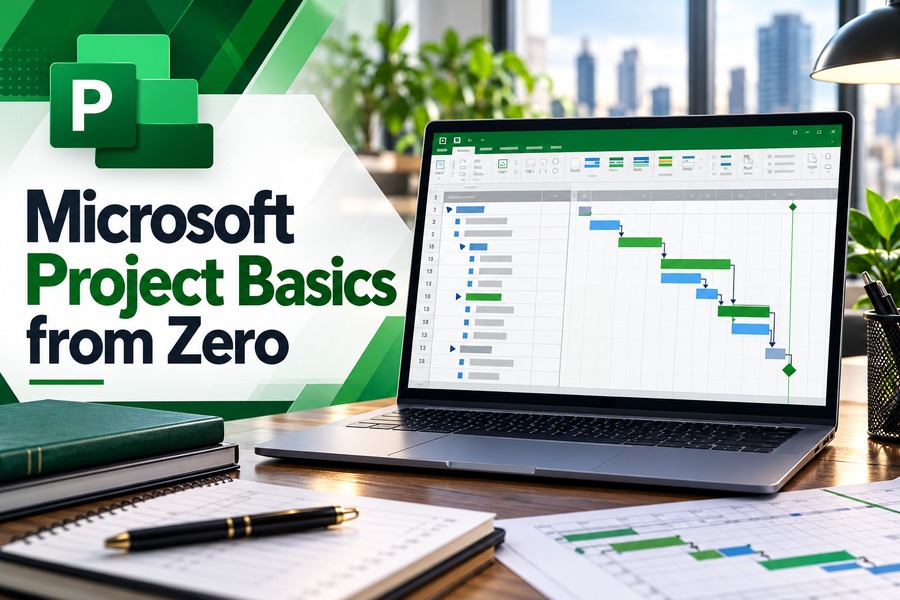
Microsoft Project Basics from Zero is a 2-day programme covering project planning, task scheduling, resource allocation, baseline tracking, critical path analysis and project reporting.
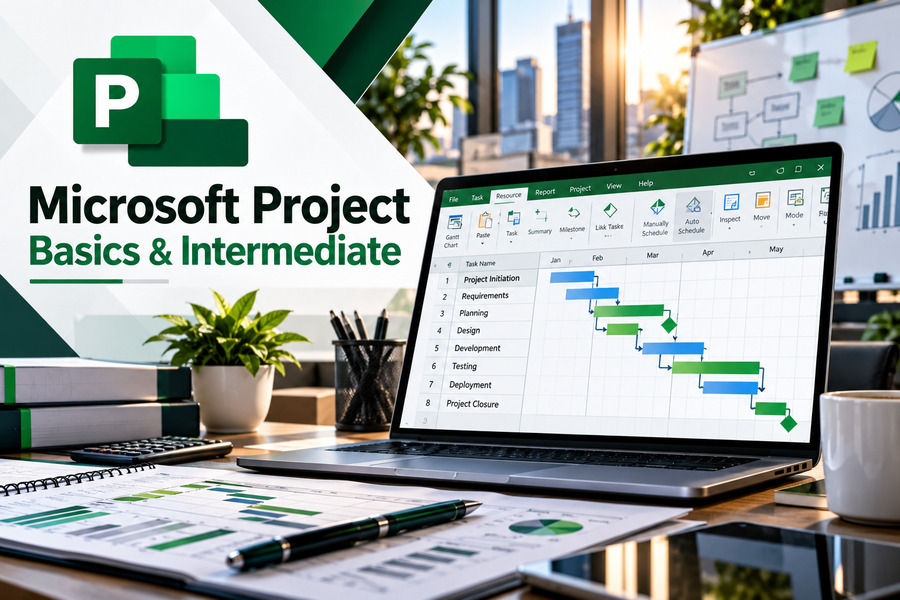
Microsoft Project Basics and Intermediate is a 3-day programme that includes the foundational modules from the Basics course, followed by an additional day covering graphical reporting, S-curves, resource sharing and WBS codes.
Microsoft Project Advanced is a separate 2-day programme designed for experienced users. Although some reporting, resource sharing and WBS topics overlap with Intermediate, the Advanced course develops these skills further through custom fields, formulas, graphical indicators, advanced project templates, linked projects, custom tables, custom views and Excel-based visual reporting.
04
What will I learn about S-curves and advanced reporting in Microsoft Project?
You will learn how to generate S-curves and use graphical reporting features to present project information. The course also covers creating and modifying reports, selecting project data, applying filters, formatting charts and developing reusable reporting templates.
Participants will explore Excel-based visual reports and learn how to customise report fields, change chart categories and present information according to different project reporting requirements.
05
What are custom fields in Microsoft Project, and how will I use them?
Custom fields allow users to record, calculate and display additional project information beyond the standard Microsoft Project fields.
During training, you will learn how to create custom fields, develop and test formulas, use graphical indicators and build lookup tables. These features can help organise project information and create customised views and reports according to an organisation's requirements.
06
Will I learn how to manage multiple projects and shared resources?
Yes. The course includes modules on resource sharing and linked projects.
You will learn how to create common resource pools, link project files to shared resources and manage resource assignments. The training also covers combining multiple projects, inserting subprojects, managing task links and working with combined project files.
These techniques are useful for project managers who oversee several projects involving shared personnel, equipment or other resources.
07
What will I learn about project templates and WBS codes?
You will learn how to create, modify and reuse Microsoft Project templates to standardise project planning procedures. The course also introduces the Global Template and how to organise reusable project elements.
For Work Breakdown Structure (WBS) codes, participants will learn how to create customised codes, modify task codes, renumber WBS codes and maintain consistent project structures.
These features help improve project organisation and reduce repetitive setup work.
08
How long does the Microsoft Project Advanced course take?
The course takes two days, with training sessions running from 9:00 AM to 5:00 PM .
Day 1 focuses on resource sharing, graphical reporting, S-curves, custom fields and WBS codes. Day 2 covers project setup, reusable templates, linked projects, custom tables, project views and advanced reporting.
The programme uses practical exercises and guided demonstrations to help participants apply the techniques covered.
09
Do I need to bring my own laptop or purchase Microsoft Project software?
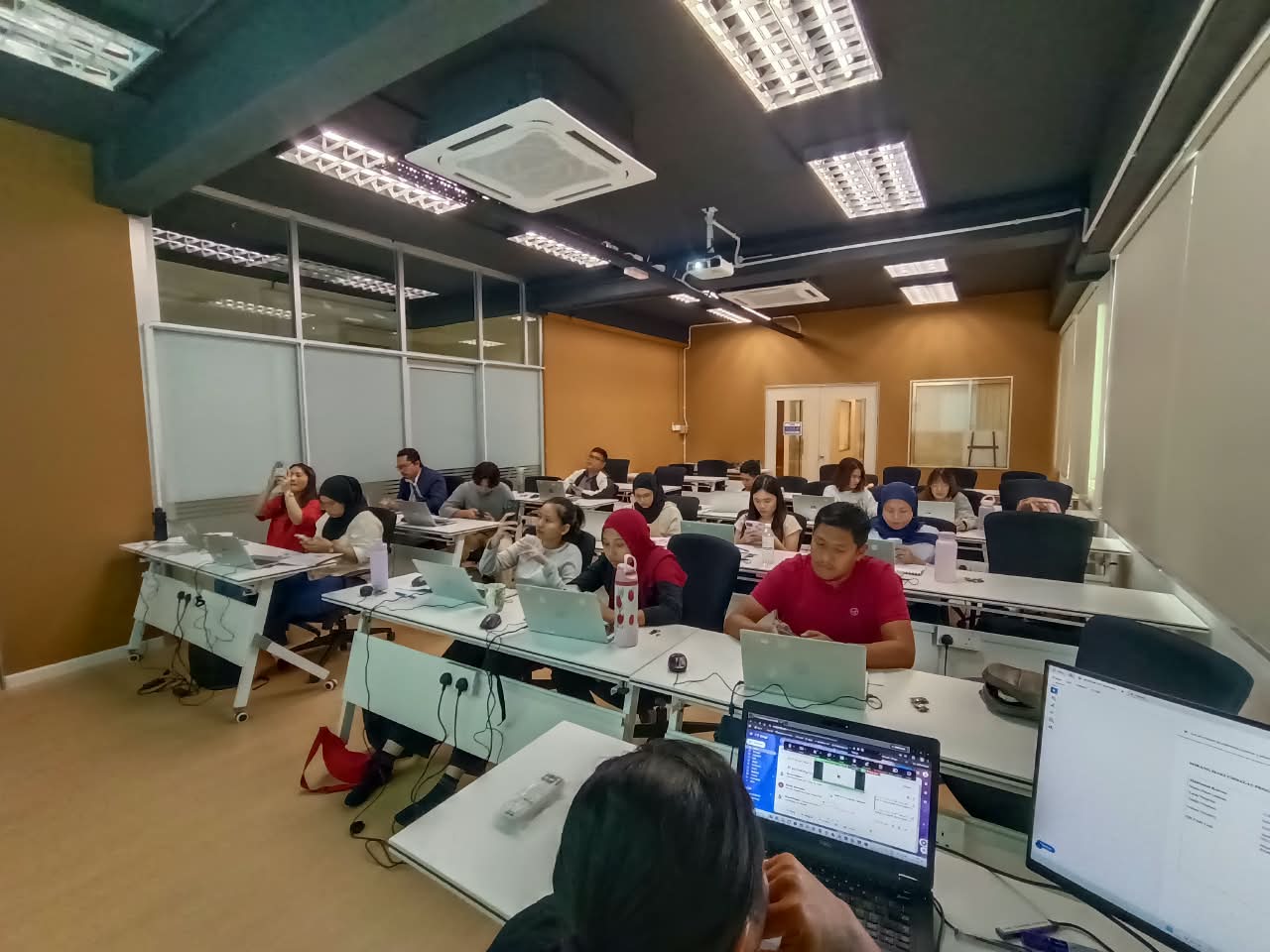
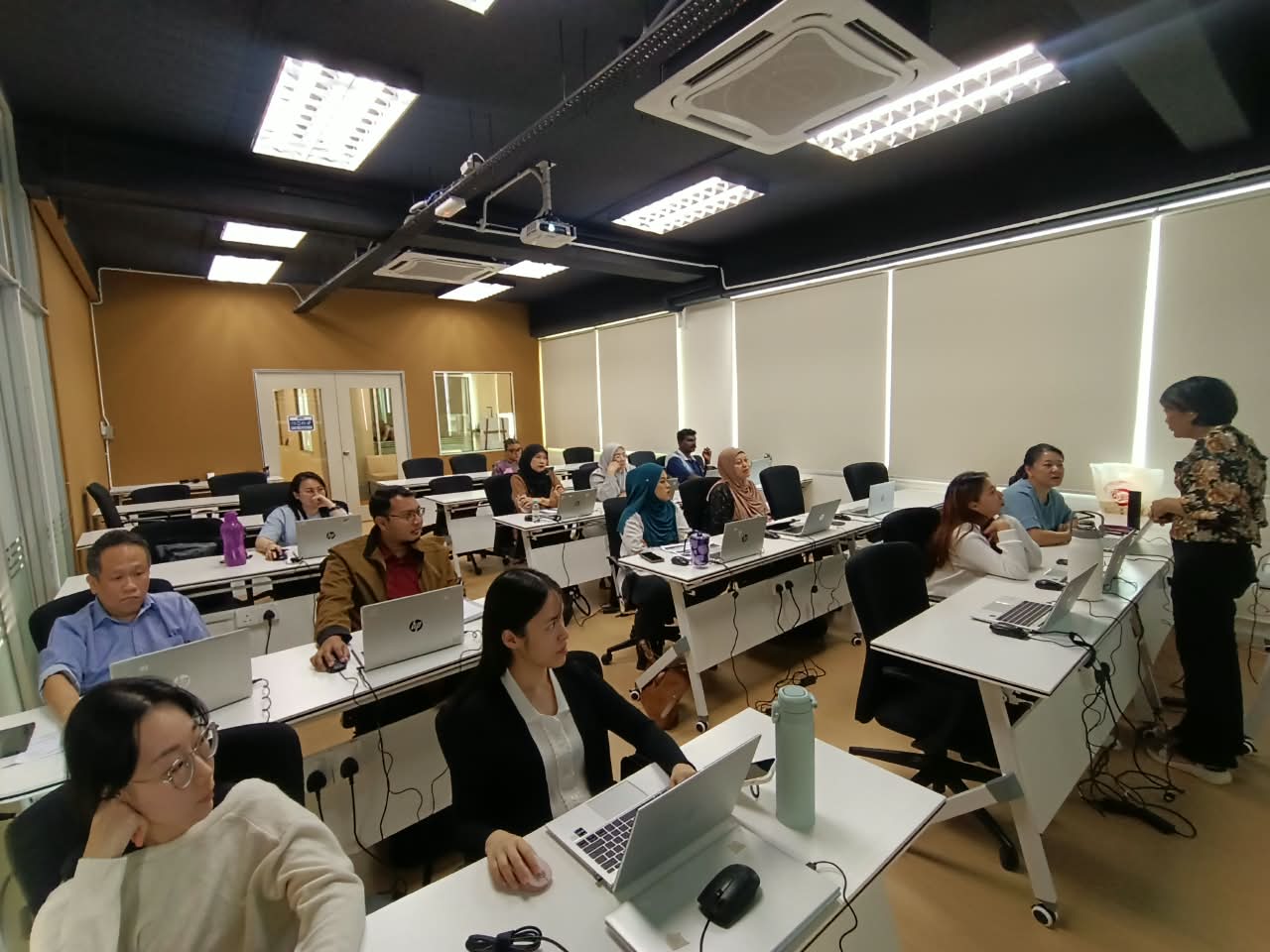
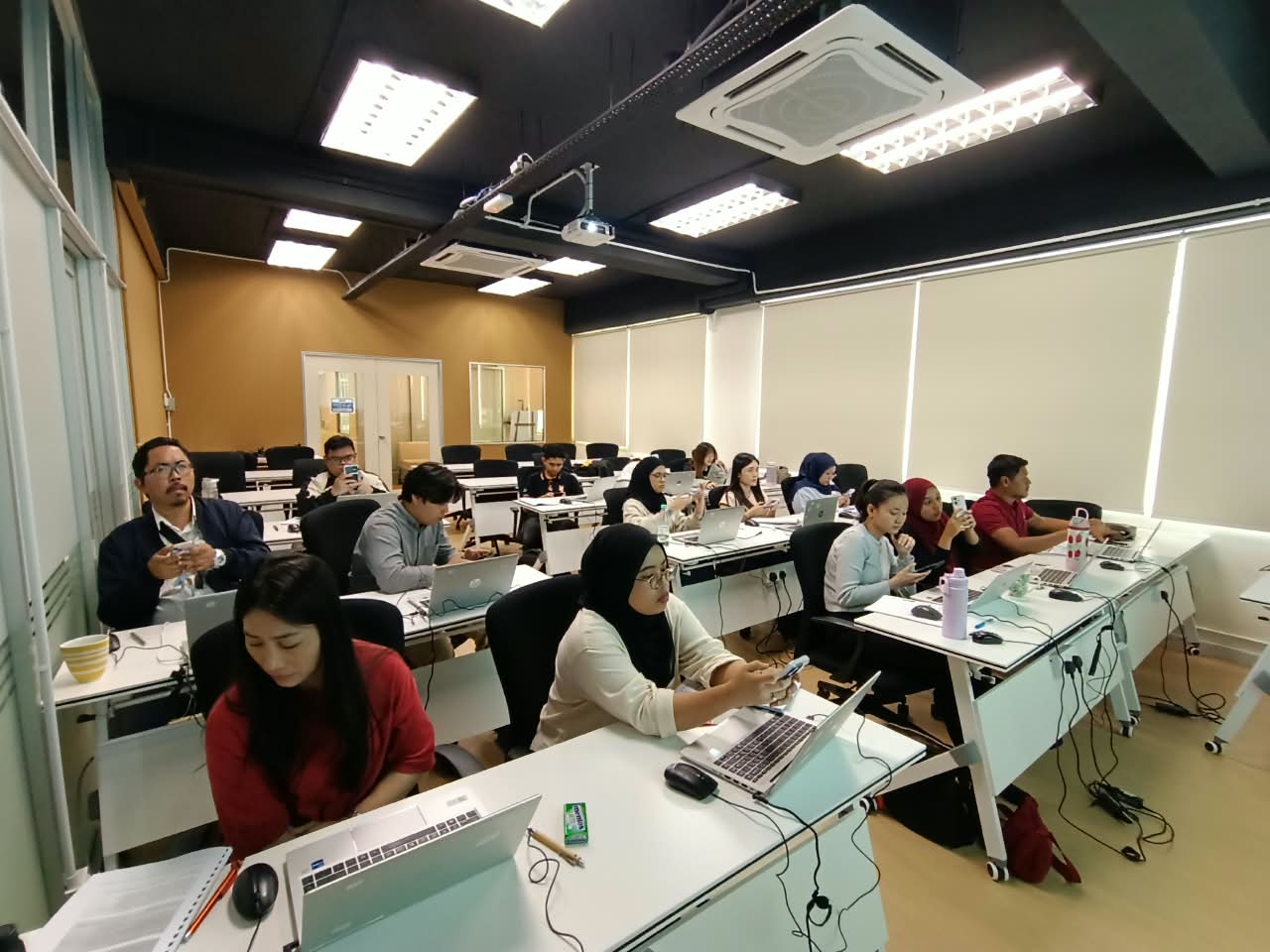
No. CAD Training Centre provides laptops with Microsoft Project installed for participants attending physical classes at our Puchong centre. You do not need to purchase a separate software licence for classroom use. You may bring your own laptop if preferred.
10
Will I receive a certificate after completing the Microsoft Project Advanced course?
Yes. Participants receive a certificate of Attendance after completing the Microsoft Project Advanced Training Course.
11
What language is the Microsoft Project Advanced course conducted in?
The training is conducted bilingually in English and Bahasa Melayu.
12
Is the Microsoft Project Advanced course HRD Corp claimable?
Yes. Our Microsoft Project Advanced Training Course is HRD Corp claimable, subject to applicable eligibility and approval requirements. Eligible Malaysian employers can apply for training grants under the relevant HRD Corp scheme.
13
Is there a surau (prayer room) available at CAD Training Centre?
Yes, we have a surau available at our training centre in Puchong. Muslim participants can use the prayer room during breaks throughout the training day.
14
Can I attend Microsoft Project Advanced training online instead of in a classroom?
Classroom training means physical attendance in Puchong with face-to-face guidance and co-learning with other participants. Online training runs live via Zoom with hands-on, screen-shared exercises, better if you're outside the Klang Valley or want to save on travel time.
15
Can I repeat the Microsoft Project Advanced course if I need more practice?
Yes, free repeat classes are offered, no questions asked, if you need a refresher.