New SolidWorks weekend intake starts 18 Aug — limited seats available.

03-8063 0414

Excel & Data Analytics

Microsoft Excel Advanced

Master advanced Excel at CAD Training Centre, Malaysia. This 1-day, HRD Corp claimable course for experienced users covers What-If Analysis, Scenario Manager, PivotTables, INDEX/MATCH, and VLOOKUP/HLOOKUP. Analyse complex data, improve reporting accuracy, and work efficiently. Physical, online, and in-house classes available.

  • Duration 1 Days
  • Level Advanced
  • Format Face-to-face
  • CCD Points 10

About this course

Take your spreadsheet knowledge further with our Microsoft Excel Advanced Training Course at CAD Training Centre in Malaysia. Designed for professionals with intermediate Excel knowledge, this 1-day, HRD Corp claimable course focuses on advanced calculations, data analysis and reporting techniques. Learn how to explore different scenarios, organise complex information and use Excel tools to analyse business data more efficiently.

This course covers seven modules, beginning with What-If Analysis using Scenario Manager and one-variable and two-variable data tables. Participants will then learn how to create outlines, manage subtotals, work with grouped data and use PivotTables to summarise and analyse information. The course also introduces INDEX and MATCH, VLOOKUP and HLOOKUP functions to retrieve information from spreadsheets.

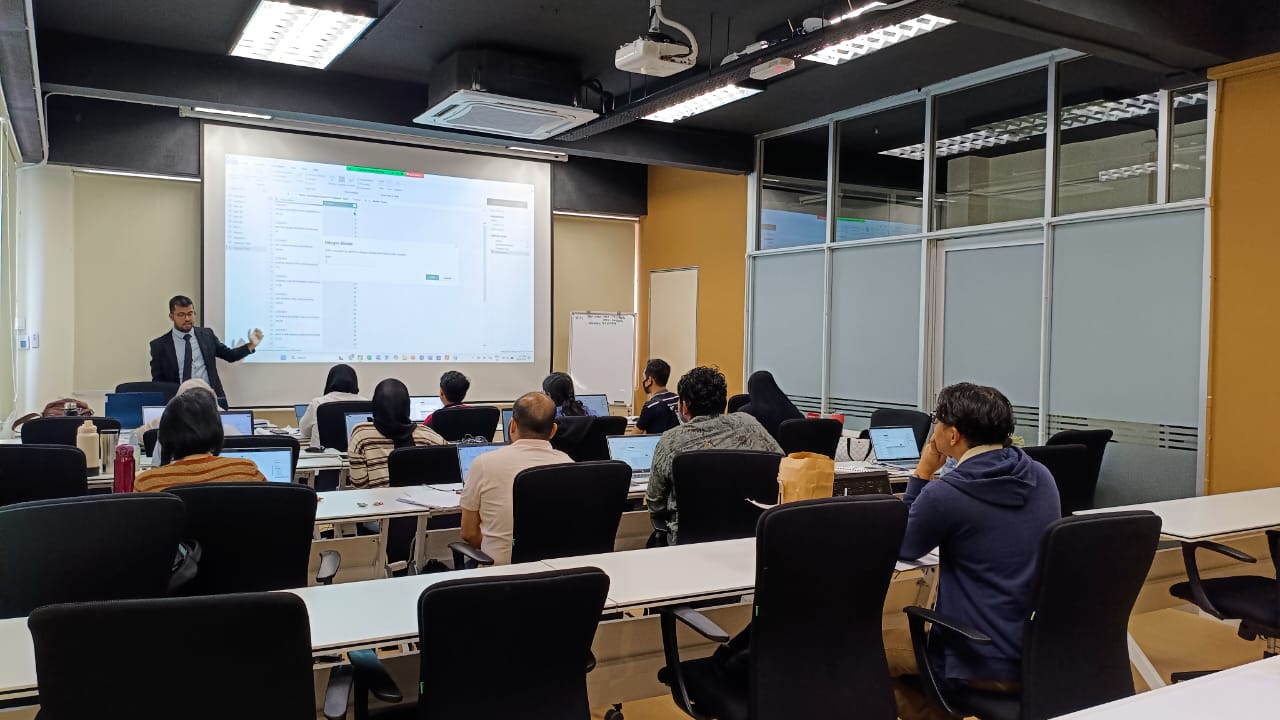
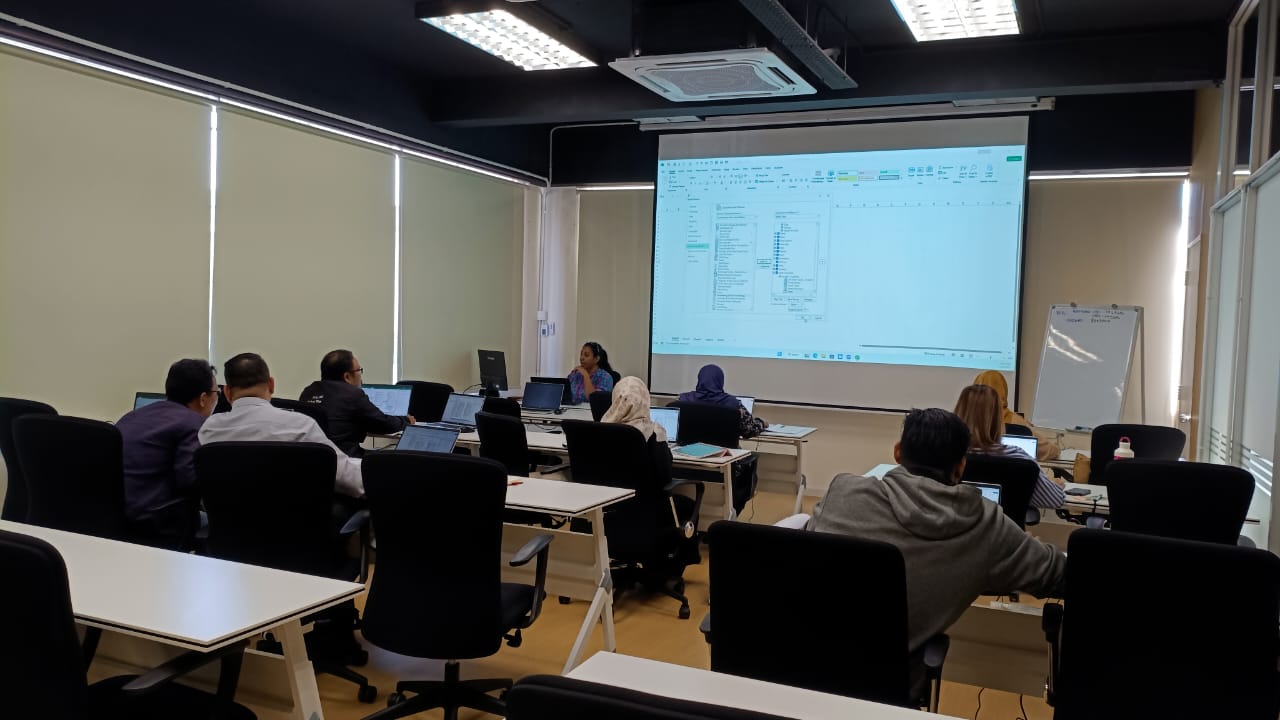
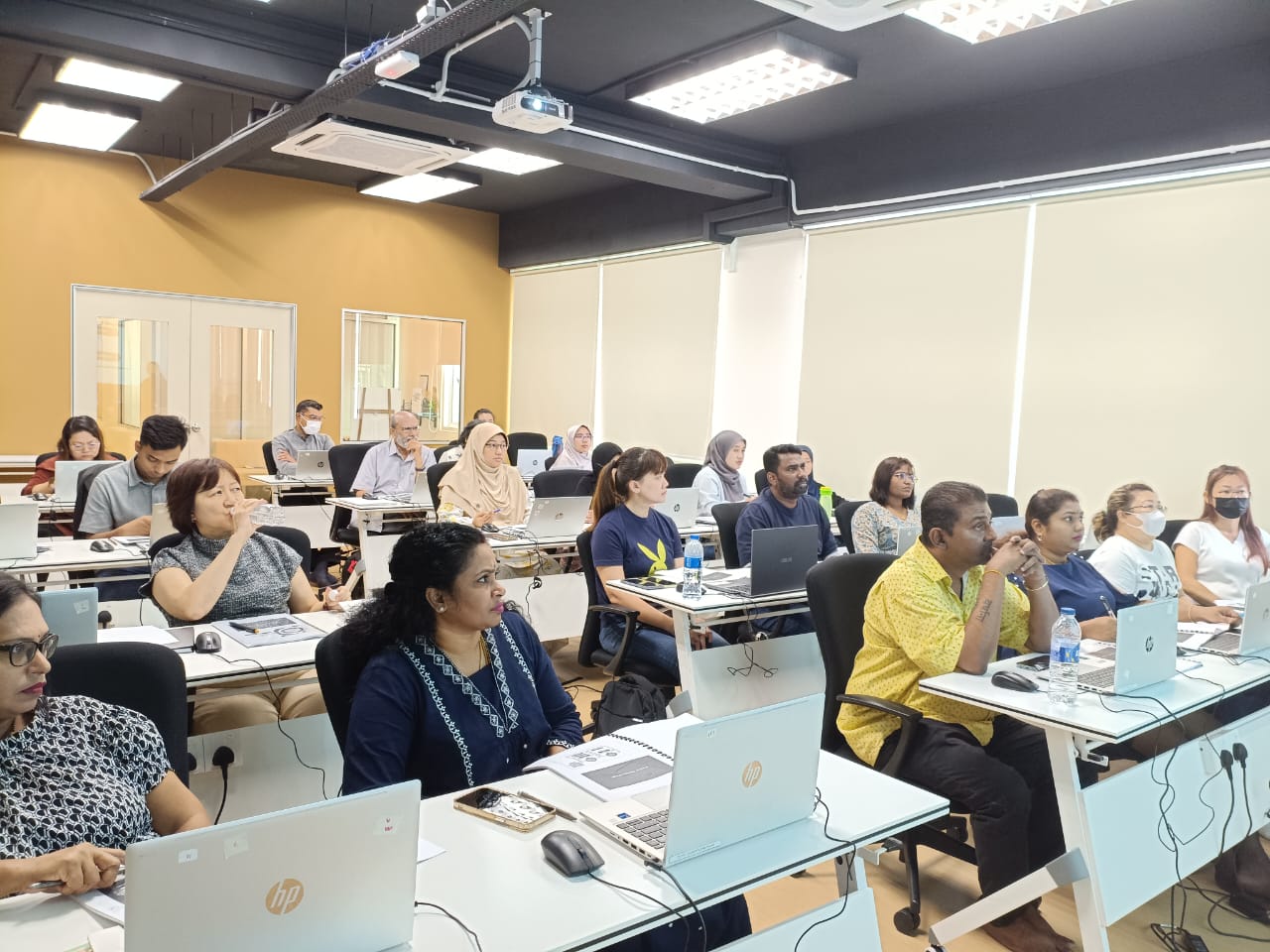
Sessions run from 9am to 5pm at our Puchong training centre, with 70% practical hands-on exercises and 30% theory. Live online training is also available via Zoom. Public classes are conducted in simple English and Bahasa Melayu.

Related Articles on Excel Training and Excel Courses

https://www.insightsoftware.com/blog/why-do-we-use-excel/

https://www.highspeedtraining.co.uk/hub/what-excel-skills-are-employers-looking-for/

https://www.youtube.com/shorts/2TxUIDRAXWM

https://medium.com/@mygreatlearning/career-opportunities-that-require-excel-skills-in-2026-6097d67af517

https://edge.denison.edu/blog/why-every-entry-level-job-in-2026-requires-excel-skills-and-how-to-build-them-fast

Learning Outcomes

  • Understand and apply higher-level Excel functions for advanced spreadsheet calculations.
  • Perform What-If Analysis using Scenario Manager to create, edit and compare different scenarios
  • Create single-variable and two-variable data tables to analyse different calculation outcomes.
  • Organise spreadsheet information using outlining, grouping and subtotals.
  • Create and manage PivotTables to summarise, manipulate and analyse data.
  • Format, group, modify and refresh PivotTables to maintain accurate reports.
  • Apply INDEX and MATCH functions to retrieve information from spreadsheet data.
  • Use VLOOKUP and HLOOKUP functions to search for and retrieve information from tables.
Who is it for

  • Microsoft Excel users who already have intermediate knowledge and want to improve their advanced spreadsheet skills.
  • Finance and accounting professionals who manage calculations, financial information and reports.
  • Sales and marketing personnel who work with customer records, performance data and business reports.
  • Administrative and human resources staff who maintain large spreadsheets and reporting information.
  • Procurement and business development professionals who need to organise and analyse operational data.
  • Engineering professionals who use Excel for calculations, data management and reporting.

Course outline

Module 1

What-If Analysis

  • Using Scenario Manager
  • Creating and editing scenarios
  • Creating a scenario report
Module 2

Data Tables

  • Creating single-variable data tables
  • Creating two-variable data tables
  • Adding additional formatting to data tables
Module 3

Working with Outlines

  • Applying an outline
  • Using automatic outlining
  • Displaying and collapsing outline levels
  • Modifying outline settings
  • Creating subtotals
Module 4

Checking for Duplicates

  • Showing and copying subtotal data
  • Grouping and outlining data
  • Viewing grouped and outlined data
Module 5

Analysing Data with PivotTables

  • Creating a PivotTable
  • Defining the source range
  • Inserting, moving and deleting fields
  • Showing and hiding fields
  • Grouping and ungrouping fields
  • Renaming fields
  • Defining field properties
  • Formatting a PivotTable
  • Refreshing a PivotTable
Module 6

INDEX and MATCH

  • Working with INDEX and MATCH functions
Module 7

VLOOKUP and HLOOKUP

  • Working with VLOOKUP functions
  • Working with HLOOKUP functions
Module 8

Practical Exercises

  • Hands-on exercises covering the course modules
  • Applying the techniques learned during training

Course format

Choose the delivery mode that fits your team and timeline.

  • 01

    Classroom

    Instructor-led sessions in our Bandar Puteri labs with guided exercises, live demos, and peer discussion.

  • 02

    Online

    Live virtual delivery with the same syllabus, shared files, and instructor checkpoints — ideal for distributed teams.

  • 03

    In-house

    Private cohorts for your organisation, scheduled around project deadlines with content tailored to your standards.

Upcoming schedule

Public intakes coming up.

  • 3 Dec 2026 - 3 Dec 2026 9:00 AM – 5:00 PM · Face-to-face
  • 8 Jan 2027 - 8 Jan 2027 9:00 AM – 5:00 PM · Face-to-face

Certification & policies

Certificate of attendance

Receive a certificate of attendance upon completing the programme, suitable for HR records and continuous learning portfolios.

Free Repeat Class

Free Repeat Class: if you need another pass at the same public syllabus within 6 months, you may re-attend subject to seat availability.

Materials provided

  • Course workbook / digital notes
  • Exercise files and sample templates
  • Certificate of attendance
  • Post-class support window for clarification questions

Frequently asked questions

01 Is Microsoft Excel Advanced suitable for beginners?

No. Our Microsoft Excel Advanced Training Course is designed for participants who already have intermediate Excel knowledge. You should be familiar with formulas, worksheet management and basic data handling. If you are new to Excel, we recommend starting with Microsoft Excel Basics and progressing through Intermediate before joining Advanced.

02 What will I learn in the Microsoft Excel Advanced course?

You will learn how to perform What-If Analysis using Scenario Manager, create one-variable and two-variable data tables, organise information using outlines and subtotals, and analyse data with PivotTables. The course also covers INDEX and MATCH, VLOOKUP and HLOOKUP functions to help retrieve information from spreadsheets.

03 How long does the Microsoft Excel Advanced course take?

Microsoft Excel Advanced is a 1-day hands-on training programme. Classes run from 9:00 AM to 5:00 PM. Participants attending classroom training also receive an RM15 cash voucher for lunch.

04 What is the difference between Microsoft Excel Basics, Intermediate and Advanced?

Microsoft Excel Basics introduces essential spreadsheet skills, simple formulas and formatting. Microsoft Excel Intermediate builds on these foundations with data validation, consolidation, text functions and advanced filtering. Microsoft Excel Advanced focuses on higher-level techniques such as What-If Analysis, PivotTables, data tables, INDEX and MATCH, and lookup functions. Each level takes one day, allowing participants to progress according to their existing skills.

05 Where is the Microsoft Excel Advanced training conducted?

Our classroom training takes place at CAD Training Centre in Bandar Puteri, Puchong, Selangor, approximately a 4-minute walk from Bandar Puteri LRT station. Shaded parking is available nearby, with parking options starting from approximately RM5 per day.

06 Do I need to bring my own laptop or purchase Microsoft Excel software?

No. CAD Training Centre provides laptops with Microsoft Excel installed for participants attending physical classes. You may bring your own laptop if preferred. A training handbook is also provided for reference during the course.

07 Will I receive a certificate after completing the Microsoft Excel Advanced course?

Yes. Participants receive a Certificate of Attendance after completing the Microsoft Excel Advanced Training Course. Certificates are also provided upon completing the Basics and Intermediate levels.

08 What language is the Microsoft Excel Advanced course conducted in?

Our public Microsoft Excel training courses are conducted in a mix of simple English and Bahasa Melayu to make the lessons easy to understand. Mandarin-language training can also be arranged for corporate groups upon special request.

09 Is the Microsoft Excel Advanced training HRD Corp claimable?

Yes. Our Microsoft Excel Advanced Training Course is HRD Corp claimable subject to the applicable eligibility and approval requirements. This allows eligible Malaysian employers to apply for training grants for their employees.

10 Can I attend Microsoft Excel Advanced training online instead of in a classroom?

Yes. Classroom training means physical attendance in Puchong with face-to-face guidance and co-learning with other participants. Online training runs live via Zoom with hands-on, screen-shared exercises, better if you're outside the Klang Valley or want to save on travel time.

11 Can I repeat the Microsoft Excel Advanced course if I need more practice?

Yes, free repeat classes are offered every month, no questions asked, if you need a refresher.

12 Is there a surau (prayer room) available at CAD Training Centre?

Yes, we have a surau available at our training centre in Puchong. Muslim participants can use the prayer room during breaks throughout the training day.

Next step

Register your interest

Share a few details and we will confirm seats, HRD Corp claimability, and the best public or in-house option for this course.

Training type