New SolidWorks weekend intake starts 18 Aug — limited seats available.

03-8063 0414

Project Management

Microsoft Project Basics From Zero

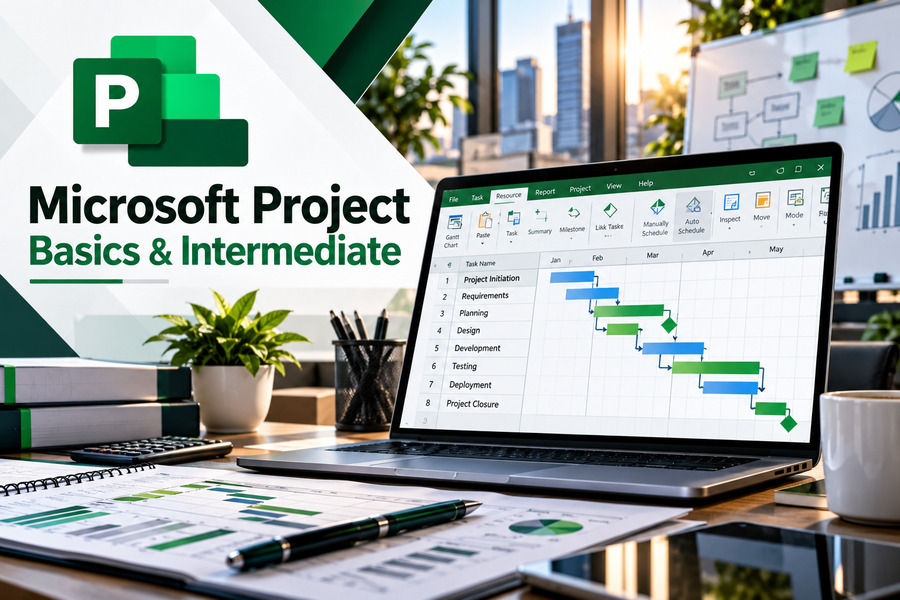
Learn practical project planning and scheduling skills with our 2-day, HRD Corp claimable Microsoft Project Basics from Zero Training Course at CAD Training Centre. Master Gantt charts, task dependencies, resource allocation, and baseline tracking. Physical, online, and in-house classes available with 20 CIDB CCD Points.

  • Duration 2 Days
  • Level Basic
  • Format Face-to-face
  • CCD Points 20

About this course

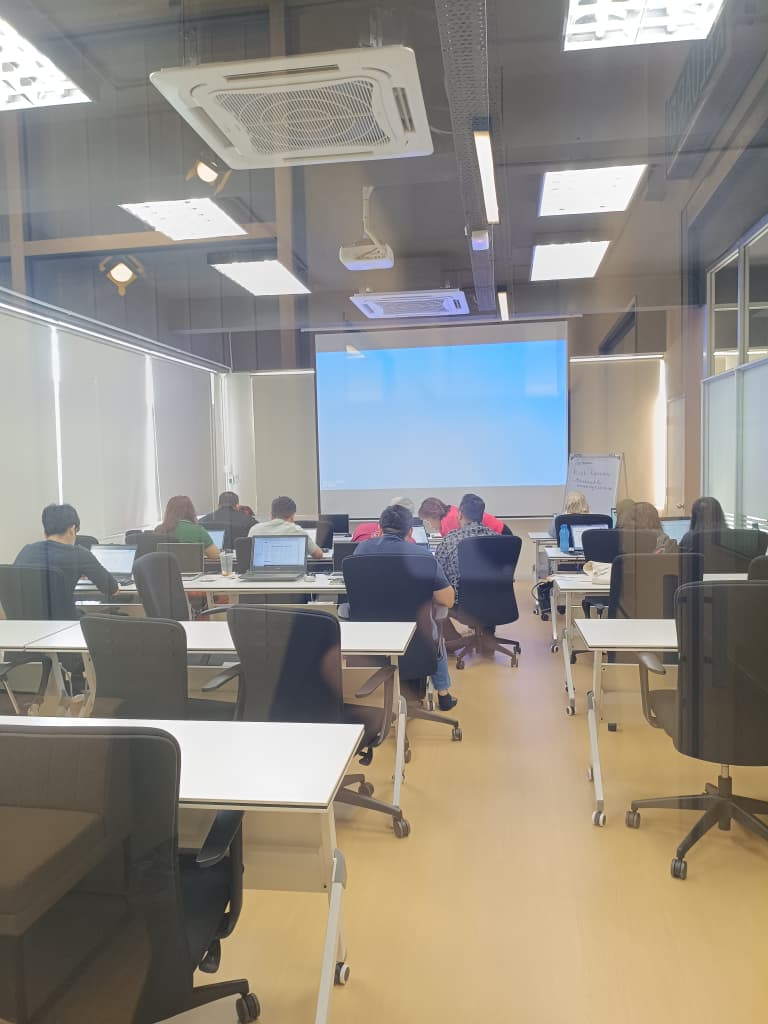
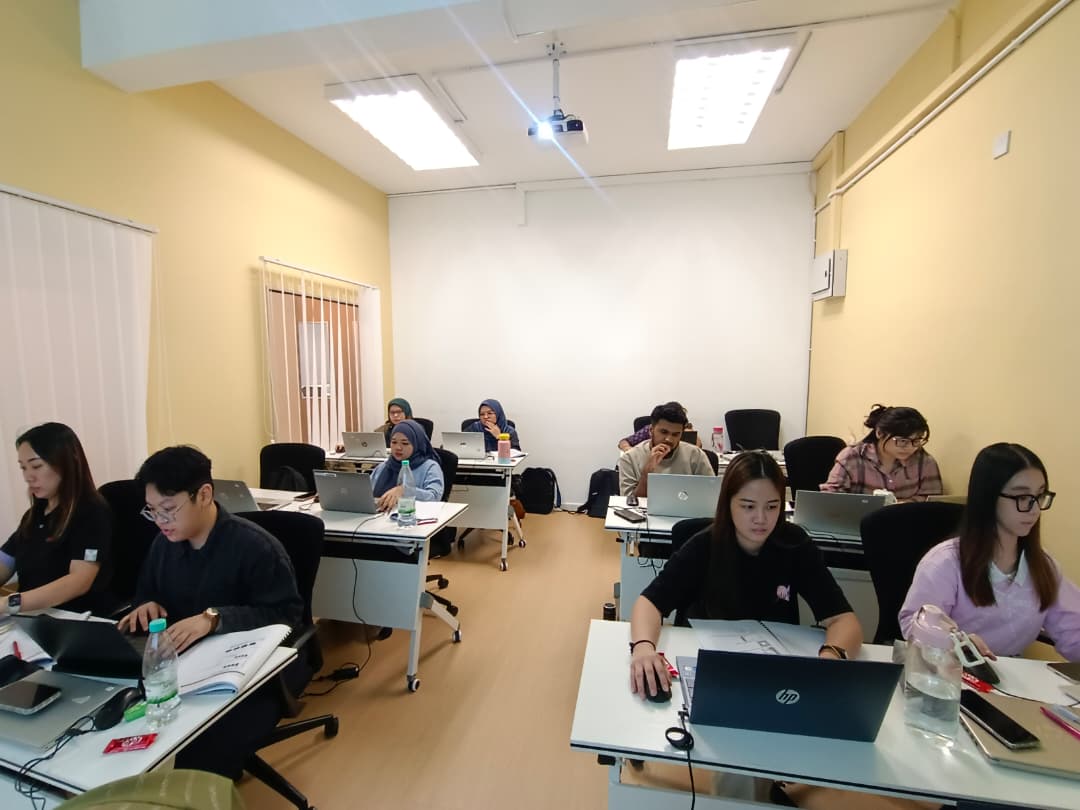
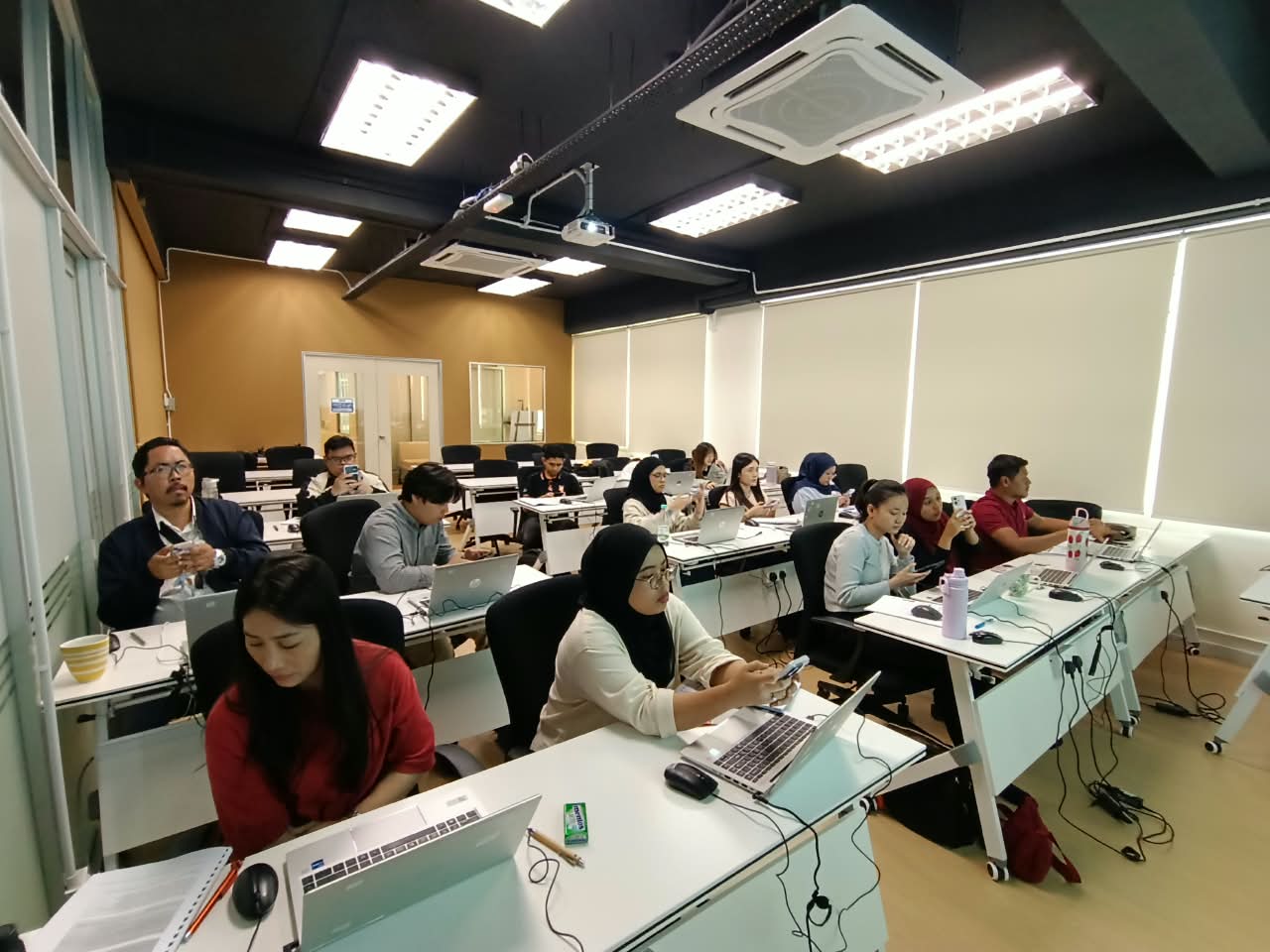
 The Microsoft Project Training Course at CAD Training Centre is a comprehensive, HRD Corp claimable program designed for project managers, engineers, and corporate teams in Malaysia. We offer Microsoft Project Basic and Advanced level courses. Spanning practical tiers from basics to advanced scheduling, this hands-on workshop covers project planning, task dependency links, resource allocation, baseline tracking, and progress reporting. Training is available physically in Puchong, Selangor, or via live online sessions. Comes with CIDB CCD points for CIDB registered companies. Certificate after completion. Laptop provided for physical training. Free Repeat classes after training. Beginner Friendly, hands-on Practical Course.

Day 1 covers five essential modules, beginning with an introduction to the Microsoft Project environment and different project views. Participants will learn how to create project plans, set project calendars, estimate task durations and establish task relationships. The training also introduces milestones, task constraints, deadlines, resource calendars, resource allocation and cost management. Day 2 introduces four additional modules covering project duration and cost analysis, baseline tracking, task progress updates, critical path analysis and project reporting. Participants will learn how to compare planned and actual progress, identify resource overallocations, monitor task slippage and generate project reports.


Related links

https://www.youtube.com/watch?v=gsh4Cj1KAGY
https://www.youtube.com/watch?v=BYR_S6ktoFc
https://www.youtube.com/watch?v=iUqbhkJWt_4
https://support.microsoft.com/en-us/project/create-a-project-in-project-desktop
https://support.microsoft.com/en-us/project/basic-tasks-in-project-2

Learning Outcomes

  • Understand the Microsoft Project environment, its key features and different project views used for planning and scheduling.
  • Create new project plans, establish project calendars and enter project tasks, durations and resource information.
  • Organise project tasks using task outlines, dependencies, constraints, deadlines, milestones and summary tasks.
  • Manage project resources by creating resource calendars, assigning resources to tasks and monitoring resource capacity.
  • Analyse planned project duration, work and costs to support project scheduling and resource management.
  • Establish project baselines and track progress using Gantt charts, completion percentages, dates and actual values.
  • Apply scheduling techniques such as critical path analysis, task relationships and resource overallocation management.
  • Generate project reports to monitor task slippage, task costs, resource costs and overall project performance.
Who is it for

  • Beginners who want to learn how to use Microsoft Project for project planning and scheduling.
  • Project managers and project coordinators responsible for preparing, managing and monitoring project schedules.
  • Engineers and technical professionals who need to organise project activities, deadlines and resource requirements.
  • Construction and engineering personnel involved in coordinating tasks, schedules and resources.
  • Operations managers and supervisors responsible for monitoring project progress, workloads and costs.
  • Working professionals who understand basic project management concepts and want to develop practical Microsoft Project software skills.

Course outline

Module 1

Day 1 – Getting Started with Microsoft Project

  • Exploring the Microsoft Project environment and its basic features
  • Understanding the components of the Microsoft Project interface
  • Displaying an existing project plan in different views
  • Navigating project information using available views
Module 2

Creating a Project Plan

  • Creating a new project plan
  • Assigning a project calendar
  • Adding tasks to a project plan
  • Entering task duration estimates
  • Adding resources to a project plan
Module 3

Managing Tasks in a Project Plan (Part 1)

  • Outlining tasks to organise project activities
  • Linking dependent tasks
  • Setting task constraints and deadlines
  • Adding notes to project tasks
  • Creating recurring tasks
Module 4

Managing Tasks in a Project Plan (Part 2)

  • Understanding elapsed duration
  • Creating and managing milestones
  • Organising project activities using summary tasks
  • Understanding automatic task scheduling
  • Understanding manual task scheduling
Module 5

Managing Resources in a Project Plan

  • Creating resource calendars
  • Assigning resources to project tasks
  • Entering resource costs
  • Understanding and managing resource capacity
Module 6

Day 2 – Plan Duration, Cost & Time

  • Analysing project plan duration
  • Analysing project plan costs
  • Understanding and analysing planned work
  • Reviewing duration, cost and work information within the project plan
Module 7

Track Progress

  • Creating and saving a project baseline
  • Displaying baseline information on a Gantt chart
  • Updating existing project baselines
  • Tracking project plans using dates
  • Tracking task progress using percentage completion
  • Tracking project plans using actual values
Module 8

Advanced Scheduling

  • Understanding task link relationships, Applying fixed costs to project activities
  • Managing recurring tasks
  • Performing critical path analysis
  • Identifying resource overallocations
  • Checking and resolving resource overallocation issues
  • Reviewing project plan costs
Module 9

Reporting Project Plan Information

  • Identifying and reporting task slippage
  • Reviewing task costs
  • Analysing resource costs
  • Generating project reports
  • Using project reporting information to monitor project performance

Course format

Choose the delivery mode that fits your team and timeline.

  • 01

    Classroom

    Instructor-led sessions in our Bandar Puteri labs with guided exercises, live demos, and peer discussion.

  • 02

    Online

    Live virtual delivery with the same syllabus, shared files, and instructor checkpoints — ideal for distributed teams.

  • 03

    In-house

    Private cohorts for your organisation, scheduled around project deadlines with content tailored to your standards.

Upcoming schedule

Public intakes coming up.

  • 17 Nov 2026 - 18 Nov 2026 9:00 AM – 5:00 PM · Face-to-face
  • 15 Dec 2026 - 16 Dec 2026 9:00 AM – 5:00 PM · Face-to-face
  • 18 Jan 2027 - 19 Jan 2027 9:00 AM – 5:00 PM · Face-to-face

Certification & policies

Certificate of attendance

Receive a certificate of attendance upon completing the programme, suitable for HR records and continuous learning portfolios.

Free Repeat Class

Free Repeat Class: if you need another pass at the same public syllabus within 6 months, you may re-attend subject to seat availability.

Materials provided

  • Course workbook / digital notes
  • Exercise files and sample templates
  • Certificate of attendance
  • Post-class support window for clarification questions

Frequently asked questions

01 What is the Microsoft Project Basics from Zero course about?

Our Microsoft Project Basics from Zero Training Course introduces participants to the essential tools used for project planning, scheduling, resource allocation and progress tracking. The programme covers creating project plans, managing task relationships, assigning resources, tracking baselines, analysing the critical path and generating project reports. Participants will learn how to use Microsoft Project to organise and monitor project activities more effectively.

02 Is the Microsoft Project Basics from Zero course suitable for complete beginners?

Yes. This course is designed for participants who are new to Microsoft Project software. The training begins with the basic features of the Microsoft Project environment before progressing to project planning, task management and reporting. Participants should have a general understanding of project management concepts and basic knowledge of the Windows operating system.

03 What is the difference between Microsoft Project Basics from Zero and Microsoft Project Basics and Intermediate?

Microsoft Project Basics from Zero is a 2-day programme focusing on project planning, task scheduling, resource allocation, baseline tracking, critical path analysis and project reporting. Microsoft Project Basics and Intermediate is a 3-day programme that includes all nine foundational modules covered in the 2-day Basics course, followed by an additional day covering graphical reporting, S-curves, shared resource pools and Work Breakdown Structure (WBS) codes. The 3-day programme provides additional tools for managing and reporting on project information.

04 What will I learn about task scheduling and resource management?

You will learn how to create project tasks, estimate durations, establish task dependencies and set deadlines. The course also covers milestones, summary tasks, resource calendars and resource allocation. Participants will learn how to review resource capacity, identify overallocations and use scheduling techniques to organise project activities.

05 What are Gantt charts, project baselines and critical path analysis?

A Gantt chart is a visual representation of project tasks and their schedules. A project baseline records the original project plan so that actual progress can be compared against planned dates, work and costs. Critical path analysis helps identify the sequence of tasks that determines the project's completion date. The course introduces these features to help participants monitor progress, identify potential delays and manage project schedules.

06 How long does the Microsoft Project Basics from Zero course take?

The course takes two days, with training sessions running from 9:00 AM to 5:00 PM. Day 1 focuses on creating project plans, managing tasks and allocating resources. Day 2 covers project duration and cost analysis, baseline tracking, advanced scheduling and reporting. The training uses 70% practical hands-on exercises and 30% theory.

07 Do I need to bring my own laptop or purchase Microsoft Project software?

No. CAD Training Centre provides laptops with Microsoft Project installed for participants attending physical classes at our Puchong centre. You do not need to purchase a separate software licence for classroom use. You may bring your own laptop if preferred but must have the Microsoft Project software installed.

08 Will I receive a certificate after completing the Microsoft Project Basics from Zero course?

Yes. Participants receive a certificate of attendance upon completing the Microsoft Project Basics from Zero Training Course.

09 What language is the Microsoft Project Basics from Zero course conducted in?

The training is conducted bilingually in English and Bahasa Melayu.

10 Is the Microsoft Project Basics from Zero course HRD Corp claimable and eligible for CIDB CCD points?

Yes. Our Microsoft Project Basics from Zero Training Course is HRD Corp claimable, subject to the applicable eligibility and approval requirements. The programme is also advertised with 20 CIDB CCD points for eligible construction-industry participants.

11 Is there a surau (prayer room) available at CAD Training Centre?

Yes, we have a surau available at our training centre in Puchong. Muslim participants can use the prayer room during breaks throughout the training day.

12 Can I attend Microsoft Project Basics from Zero training online instead of in a classroom?

Classroom training means physical attendance in Puchong with face-to-face guidance and co-learning with other participants. Online training runs live via Zoom with hands-on, screen-shared exercises, better if you're outside the Klang Valley or want to save on travel time.

13 Can I repeat the Microsoft Project Basics from Zero course if I need more practice?

Yes, free repeat classes are offered, no questions asked, if you need a refresher.

Next step

Register your interest

Share a few details and we will confirm seats, HRD Corp claimability, and the best public or in-house option for this course.

Training type