New SolidWorks weekend intake starts 18 Aug — limited seats available.

03-8063 0414

AI Courses

AI Mastery: Bridging Workplace Tools and Vibe Coding

Develop practical Artificial Intelligence skills with our 3-day, HRD Corp claimable AI Mastery Training Course at CAD Training Centre in Malaysia. Covers ChatGPT, Gemini, Copilot, prompt engineering, AI reporting, data analysis, content creation, AI agents and vibe coding. Build workflows and apps using Gemini Canvas and Google AI Studio. Physical, online, and in-house training available.

  • Duration 3 Days
  • Level Basic
  • Format Face-to-face

About this course

CAD Training Centre is a Malaysia-based HRD Corp registered training provider offering practical AI training and Generative AI courses for professionals, businesses, and corporate teams. Our AI training in Malaysia is available through public classes and customised in-house programmes, with hands-on applications focused on improving workplace productivity, automation, communication, data analysis, and everyday business workflows.

Practical, Hands-On Training | Public Classes | In-House Corporate Training | HRD Corp Claimable

You’ll gain insights into integrating ChatGPT and AI into your existing systems for optimal performance. The course concludes with interactive sessions, including Q&A and workshops, to support your ongoing learning journey in implementing AI solutions in the workplace.

Days 1 and 2 cover the same foundational modules as the 2-day Leveraging Generative AI for Business and Workplace course. Participants will learn prompt engineering techniques, AI-assisted document preparation, data analysis, business reporting, communication, marketing, research and AI agents. Day 3 introduces six additional modules focused on vibe coding, reusable AI profiles, Gemini Canvas and Google AI Studio. Participants will learn how to plan AI workflows visually, build simple AI assistants and develop practical business tools without traditional programming. 

Related Links

https://academy.openai.com/en/public/clubs/work-users-ynjqu/resources/prompting
https://blog.google/products-and-platforms/products/workspace/google-gemini-workspace-ai-prompt-tips/
https://academy.openai.com/public/clubs/work-users-ynjqu/resources/data-analysis
https://www.microsoft.com/en-us/worklab/ai-at-work-3-scenarios-for-unlocking-the-full-potential-of-ai
https://www.notion.com/blog/ai-project-management

Learning Outcomes

  • Understand the fundamentals of Artificial Intelligence, Machine Learning and Generative AI, including their capabilities, limitations and workplace applications.
  • Apply effective prompt engineering techniques using structured instructions, role-based prompting and the CREATE Framework.
  • Use AI tools such as ChatGPT, Gemini, Microsoft Copilot and Claude to generate professional documents, reports and presentations
  • Analyse business data, generate charts and support workplace decision-making using AI-powered tools.
  • Improve workplace communication, marketing, content creation and business research using Generative AI.
  • Design task-specific AI agents to support business operations, reporting, customer service and administrative tasks.
  • Apply vibe coding techniques to create reusable AI profiles, structured prompts and consistent AI-generated outputs.
  • Design AI workflows using Gemini Canvas and build simple AI-powered applications and assistants using Google AI Studio.
Who is it for

  • Corporate professionals and administrators who want to improve workplace productivity through AI-powered tools.
  • Business owners and entrepreneurs interested in using AI to automate tasks and improve business operations
  • Marketing and content creation professionals who want to generate social media content, visuals and marketing materials.
  • Operations and support teams responsible for workplace processes, documentation and reporting.
  • Managers and executives who want to apply AI to decision-making, business analysis and workflow improvement.
  • Beginners and intermediate AI users who want to develop practical skills in AI automation, agents and simple application development.

Course outline

Module 1

Day 1 —Understanding AI for Business & Work

  • Introduction to Artificial Intelligence
  • Machine Learning and Generative AI
  • Understanding how AI is transforming workplace productivity
  • Exploring the capabilities, limitations and risks of AI
  • Understanding data sensitivity, privacy and compliance when using AI
  • Recognising AI as an assistant, analyst and creative partner in business activities
Module 2

Prompt Engineering for Productivity

  • Understanding the fundamentals of AI prompt design
  • Applying role-based prompting and context setting
  • Creating effective prompts for business and workplace applications
  • Understanding the core elements of prompt design
  • Exploring Ask-Before-Answer, Emotional, Laddering and Self-Evaluative prompting frameworks
  • Applying the CREATE Framework to structure AI instructions
  • Hands-on activity: Writing AI prompts for reflection, planning and workplace productivity
Module 3

AI for Administrative & Data Tasks

  • Using AI to create professional letters, memos and business reports
  • Maintaining formatting consistency and compliance in AI-generated documents
  • Automating Excel-based reports and generating charts
  • Using AI insights to support business decisions and forecasting
  • Creating PowerPoint presentations and speaker notes using AI
  • Applying structured templates for professional business presentations
  • Hands-on activity: Creating a report, analysing data and generating a presentation using AI
  • AI tools covered: ChatGPT, Gemini, Microsoft Copilot, Claude, Perplexity and DeepSeek
Module 4

Day 2: AI for Office Communication & Workflow

  • Using AI tools for meeting transcription and summarisation
  • Drafting emails and supporting email automation
  • Improving task management and workplace communication
  • Using AI for translation and multilingual communication
  • Hands-on activity: Generating meeting minutes and automating follow-up tasks
  • AI tools covered: Otter, TLDV, Transkriptor, ChatGPT, Gemini and Microsoft Copilot
Module 5

AI for Content & Marketing

  • Creating social media content using Generative AI
  • Producing AI-generated visuals, videos and branding assets
  • Understanding storytelling techniques and content structuring
  • Applying AI to everyday marketing and communication activities
  • Hands-on activity: Creating a marketing campaign with a social media post and video
  • AI tools covered: Canva, Ideogram, InVideo and HeyGen
Module 6

AI for Business Insights & Strategy

  • Conducting market research using AI tools
  • Performing competitor and market trend analysis
  • Applying AI to support business decision-making and reporting
  • Creating Standard Operating Procedures (SOPs) and workflow documentation using AI
  • Hands-on activity: Solving a practical business scenario using AI tools
  • AI tools covered: Perplexity, ChatGPT Advanced Data Analysis and Qwen
Module 7

Building AI Agents for Workplace

  • Understanding what AI agents are and how they differ from ordinary AI prompts
  • Exploring AI agent applications for customer support, reporting, content generation and internal assistance
  • Designing task-specific AI agents for administration, marketing and operations
  • Creating Custom GPTs using ChatGPT instructions, knowledge and actions
  • Building workflow-based business agents using Microsoft Copilot
  • Introduction to Google Opal for agent-based workflows and task automation
  • Defining AI agent roles, goals and instructions
  • Structuring knowledge inputs and data sources
  • Understanding accuracy, control and consistency in AI agent design
  • Hands-on activity: Building a simple email assistant, report generator or marketing content agent
  • AI tools covered: ChatGPT Custom GPTs, Microsoft Copilot Agents and Google Opal
Module 8

Day 3 - What is Vibe Coding?

  • Understanding the concept of vibe coding
  • Exploring why traditional AI prompts may fail to produce consistent results
  • Learning how to teach AI to follow specific workplace processes
  • Understanding the importance of structure, tone and consistency in AI-generated outputs
  • Introduction to few-shot prompting using practical examples
  • Hands-on activity: Creating a structured AI prompt template
Module 9

Creating Vibe Profiles

  • Understanding how to define tone and structure for AI-generated content
  • Establishing output formatting rules for consistent responses
  • Creating reusable vibe profiles for different workplace situations
  • Developing formal and professional AI communication styles
  • Creating friendly and customer-facing response profiles
  • Structuring executive summaries and business reports
  • Developing compliance-sensitive AI output profiles
  • Hands-on activity: Creating three reusable vibe profiles based on individual job responsibilities
Module 10

Gemini Canvas – Visual AI Workflow Planning and Apps Building

  • Understanding the purpose and applications of Gemini Canvas
  • Learning how to plan AI-powered workflows visually
  • Mapping business inputs, AI processing logic and expected outputs
  • Connecting vibe profiles with relevant knowledge sources
  • Transforming business ideas into structured AI application plans
  • Understanding how Gemini Canvas supports AI application development
  • Hands-on activity: Designing one complete AI application using Gemini Canvas
Module 11

Google AI Studio (Builder Mode)

  • Introduction to Google AI Studio and its application development environment
  • Understanding input and output configuration
  • Applying prompt layering with vibe coding techniques, Integrating reference documents into AI-powered workflows
  • Applying formatting rules to AI-generated outputs
  • Testing and refining AI applications for accuracy and consistency
  • Hands-on activity: Building one functional AI assistant or business tool using Google AI Studio
Module 12

Practical Build Lab

  • Applying vibe coding techniques to develop practical AI-powered solutions
  • Using Gemini Canvas to plan application workflows
  • Building AI applications and assistants using Google AI Studio
  • Selecting one practical business application to develop: SOP or document simplifier
  • Request or email response generator Summary and reporting assistant
  • Decision-support helper Knowledge-based question-and-answer assistant
  • Hands-on activity: Developing a working AI solution using the tools and techniques covered during training
Module 13

Deployment & Next Steps

  • Understanding different options for sharing and deploying AI applications
  • Creating shareable Google AI Studio links
  • Exploring AI tools designed for internal business use
  • Identifying opportunities to scale AI-powered solutions
  • Distinguishing between quick-win applications and more advanced AI development projects
  • Discussing practical next steps for applying AI tools and workflows within the organisation

Course format

Choose the delivery mode that fits your team and timeline.

  • 01

    Classroom

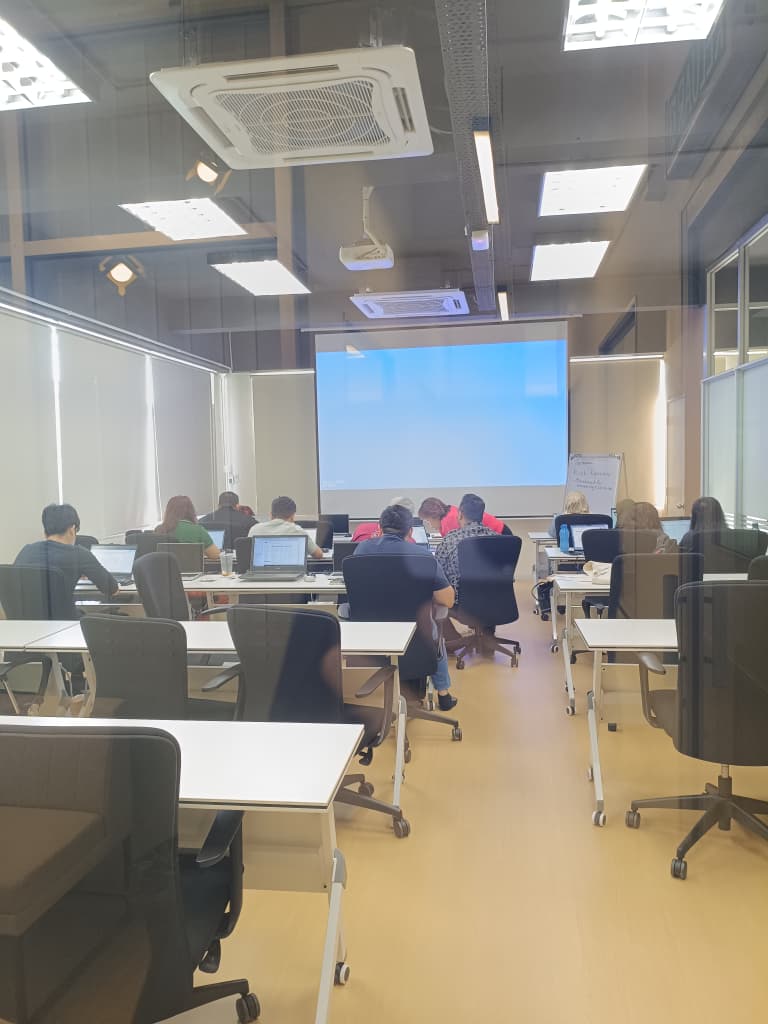
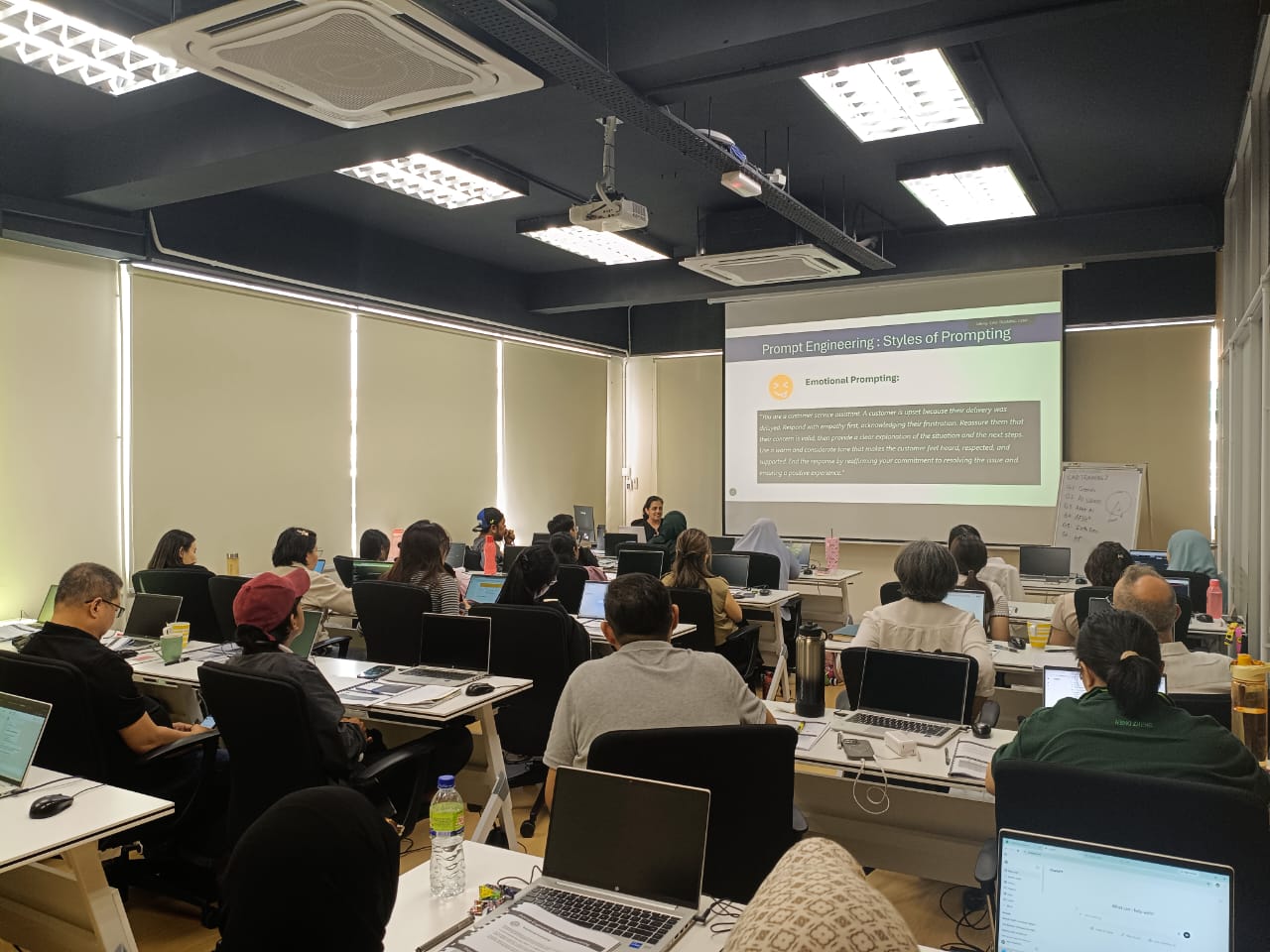
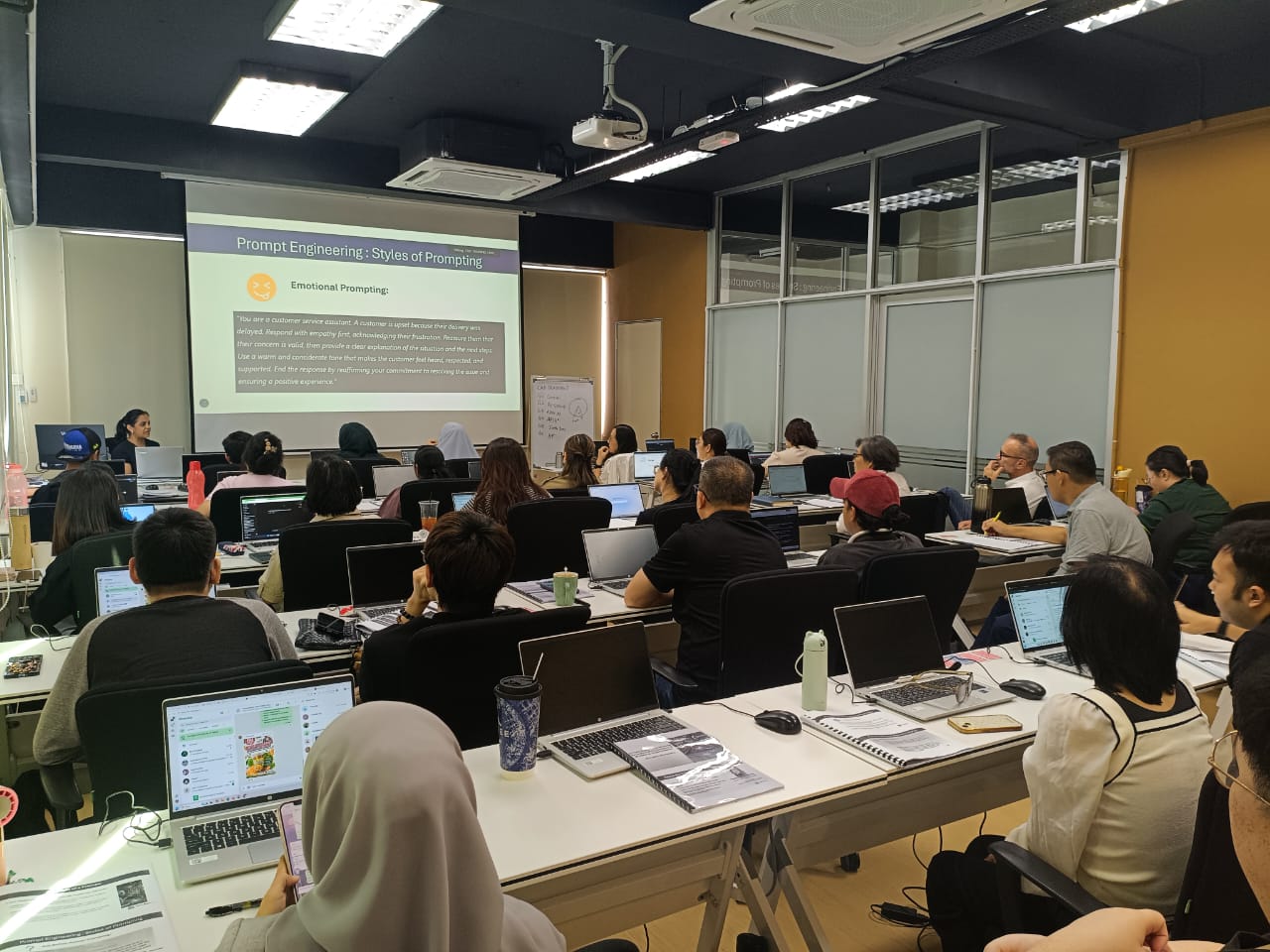
    Instructor-led sessions in our Bandar Puteri labs with guided exercises, live demos, and peer discussion.

  • 02

    Online

    Live virtual delivery with the same syllabus, shared files, and instructor checkpoints — ideal for distributed teams.

  • 03

    In-house

    Private cohorts for your organisation, scheduled around project deadlines with content tailored to your standards.

Upcoming schedule

Public intakes coming up.

  • 18 Nov 2026 - 20 Nov 2026 9:00 AM – 5:00 PM · Face-to-face
  • 14 Dec 2026 - 16 Dec 2026 9:00 AM – 5:00 PM · Face-to-face
  • 13 Jan 2027 - 15 Jan 2027 9:00 AM – 5:00 PM · Face-to-face

Certification & policies

Certificate of attendance

Receive a certificate of attendance upon completing the programme, suitable for HR records and continuous learning portfolios.

Free Repeat Class

Free Repeat Class: if you need another pass at the same public syllabus within 6 months, you may re-attend subject to seat availability.

Materials provided

  • Course workbook / digital notes
  • Exercise files and sample templates
  • Certificate of attendance
  • Post-class support window for clarification questions

Frequently asked questions

01 What is the AI Mastery: Bridging Workplace Tools and Vibe Coding course about?

Our AI Mastery Training Course helps participants apply Generative AI to everyday business activities and develop simple AI-powered applications. The programme covers prompt engineering, AI-assisted reporting, data analysis, workplace communication, content creation, AI agents and vibe coding. Participants will also learn how to design AI workflows using Gemini Canvas and build practical business tools using Google AI Studio.

02 Is the AI Mastery course suitable for beginners?

Yes. The course is designed for beginners and intermediate AI users who want to develop practical workplace AI skills. Day 1 introduces the fundamentals of Artificial Intelligence and prompt engineering before progressing to business applications. Day 2 focuses on AI-assisted workplace tasks and AI agents, while Day 3 introduces vibe coding and practical AI application development.

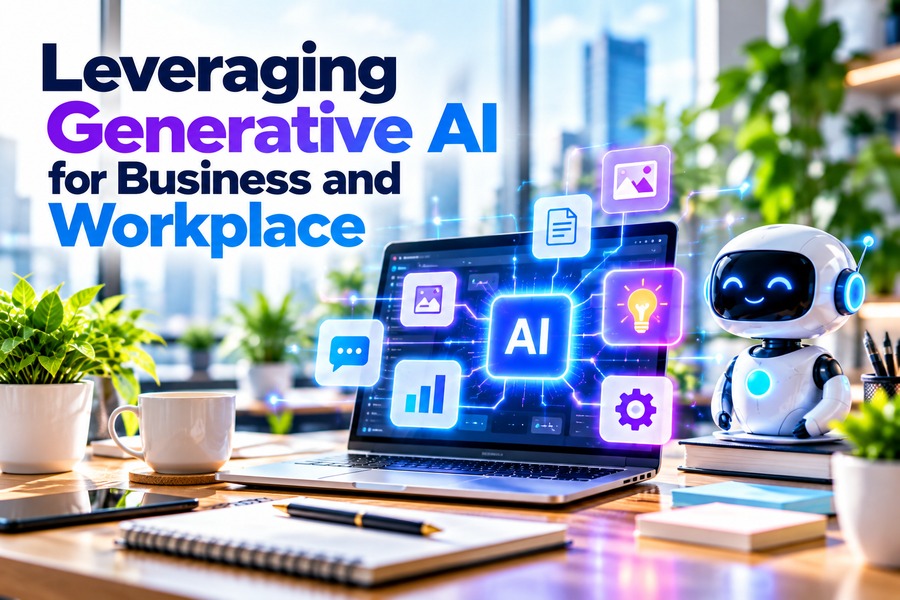
03 What is the difference between Leveraging Generative AI for Business and Workplace and AI Mastery?

Leveraging Generative AI for Business and Workplace is a 2-day programme covering prompt engineering, AI-powered document preparation, data analysis, communication, marketing, business research and AI agents. AI Mastery is a 3-day programme that includes the same foundational modules from the 2-day course, plus an additional day focused on vibe coding, reusable AI profiles, Gemini Canvas and Google AI Studio. The third day allows participants to apply their AI knowledge to building practical business applications and assistants.

04 What AI tools will I learn during the AI Mastery course?

The course introduces several AI platforms, including ChatGPT, Gemini, Microsoft Copilot, Claude, Perplexity and DeepSeek for workplace tasks. Participants will also explore Canva, Ideogram, InVideo and HeyGen for content creation, as well as ChatGPT Custom GPTs, Microsoft Copilot Agents and Google Opal for AI assistants. On Day 3, participants will use Gemini Canvas and Google AI Studio to design workflows and build simple AI applications.

05 What is vibe coding, and do I need programming experience?

Vibe coding involves using natural language instructions and AI tools to help create applications without writing traditional code manually. In this course, participants will learn how to structure prompts, create reusable vibe profiles, plan AI workflows using Gemini Canvas and build simple AI-powered tools using Google AI Studio. No formal programming prerequisite is stated in the course outline.

06 How long does the AI Mastery course take?

lunch breaks scheduled throughout the course. Day 1 focuses on AI fundamentals and workplace productivity, Day 2 covers business applications and AI agents, while Day 3 introduces vibe coding and AI application development.

07 Do I need to bring my own laptop for the AI Mastery training?

No. CAD Training Centre provides laptops for participants attending physical classes at our Puchong training centre. You may bring your own laptop if preferred. The course includes practical exercises using various AI platforms.

08 Will I receive a certificate after completing the AI Mastery course?

CAD Training Centre provides a Certificate of Attendance.

09 What language is the AI Mastery course conducted in?

The training is conducted bilingually in English and Bahasa Melayu.

10 Is the AI Mastery course HRD Corp claimable?

Yes. Our AI Mastery: Bridging Workplace Tools and Vibe Coding Training Course is advertised as HRD Corp claimable. Eligible Malaysian employers can apply for training grants under the relevant HRD Corp scheme.

11 Can I attend the AI Mastery training online instead of in a classroom?

Yes. Classroom training means physical attendance in Puchong with face-to-face guidance and co-learning with other participants. Online training runs live via Zoom with hands-on, screen-shared exercises, better if you're outside the Klang Valley or want to save on travel time.

12 Can I repeat the AI Mastery course if I need more practice?

Yes, free repeat classes are offered, no questions asked, if you need a refresher.

13 Is there a surau (prayer room) available at CAD Training Centre?

Yes, we have a surau available at our training centre in Puchong. Muslim participants can use the prayer room during breaks throughout the training day.

Next step

Register your interest

Share a few details and we will confirm seats, HRD Corp claimability, and the best public or in-house option for this course.

Training type