New SolidWorks weekend intake starts 18 Aug — limited seats available.

03-8063 0414

Excel & Data Analytics

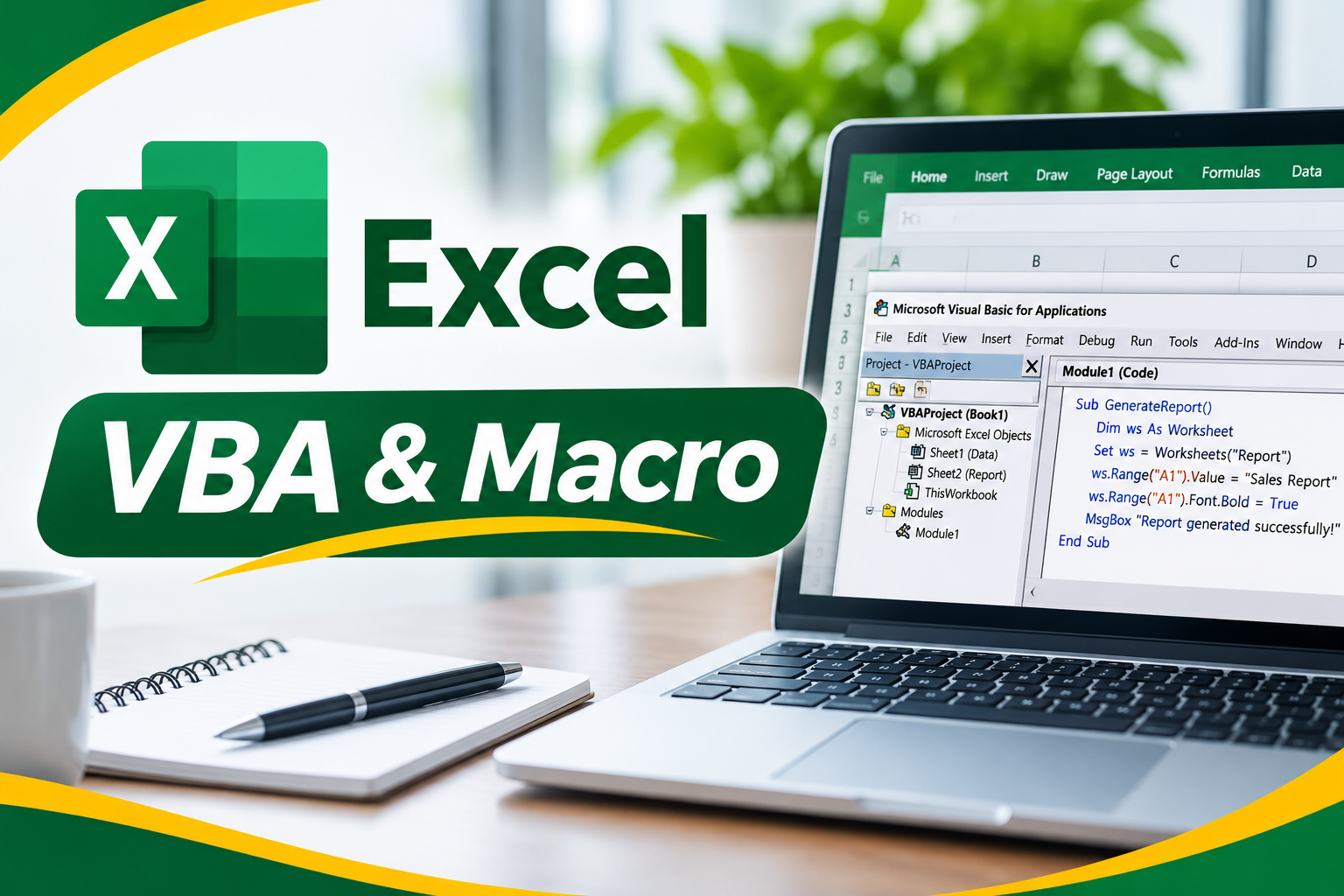
Microsoft Excel VBA & Macro Training Course

Learn to automate Excel tasks with our Microsoft Excel VBA & Macro Training Course at CAD Training Centre, Malaysia. This 2-day, HRD Corp claimable programme covers macro recording, VBA coding, procedures, variables, functions, Excel objects, custom UserForms and error handling. Build interactive tools to automate routines and boost productivity. Corporate and in-house training available.

  • Duration 2 Days
  • Level Advanced
  • Format Face-to-face

About this course

The Microsoft Excel VBA & Macro Training Course at CAD Training Centre is a comprehensive, HRD Corp claimable program designed for data analysts, finance professionals, and corporate teams in Malaysia. Automate repetitive tasks, write custom macros, and build user-driven tools with VBA through hands-on, expert-led training available physically in Puchong or via live online sessions. Certificate after completion. Laptop provided for physical training. Free Repeat classes after training. Beginner Friendly, hands-on Practical Course.

Excel Visual Basic for Applications (VBA) is a computer programming language developed and owned by Microsoft. With VBA you can create macros to automate repetitive word- and data-processing functions, and generate custom forms, graphs, and reports.

VBA introduces users the fundamentals of VBA concepts, as well as common tasks in using Microsoft Excel. The Microsoft Excel VBA allows customization of spreadsheet tools and integrating them with existing data and systems. Offering an easy and non-intimidating approach to VBA, this course takes a unique approach in uncovering the features that will allow users to customize the Microsoft Excel application to suit individual needs especially in automating repetitive tasks. Very quickly, the user will accumulate a wealth of programming skills that can easily be put to use in real-world scenarios.

This course  covers six essential modules, beginning with an introduction to Excel macros, macro security, macro-enabled workbooks and recording simple macros. Participants will then learn the fundamentals of VBA programming, including Excel objects, worksheets and the Object Browser. The training introduces the VBA Editor, Project Explorer, Properties Window, code modules, breakpoints and debugging techniques. Participants will also explore writing procedures, creating Sub routines, using IntelliSense and organising VBA code. The day concludes with variables, data types, arrays, scope, passing variables by reference or value, and creating custom VBA functions that can be used in Excel worksheets.

Day 2 introduces five additional modules focusing on programming Excel objects, applying VBA programming techniques, creating custom forms and handling errors. Participants will learn how to work with Application, Workbook, Worksheet and Range objects before exploring MsgBox, InputBox, IF statements, Select Case and different looping structures. The programme then covers creating interactive UserForms using text boxes, labels, combo boxes, option buttons and command buttons. Participants will learn how to initialise forms, manage form events, transfer data and run form procedures. The training concludes with practical error-handling techniques, including the On Error and Resume statements.

Sessions run from 9am to 5pm, with the venue arranged according to the organisation's in-house training requirements. The programme includes hands-on Microsoft Excel exercises, practical macro development, VBA coding demonstrations and guided programming activities. The course website describes a 70% practical and 30% theory approach. The training is conducted bilingually in English and Bahasa Melayu.

Learning Outcomes

  • Understand the fundamentals of Microsoft Excel macros and Visual Basic for Applications (VBA), including recording, running and managing macros.
  • Configure macro security settings and save Excel workbooks in appropriate macro-enabled formats.
  • Navigate the VBA Editor, work with code modules and use debugging techniques such as breakpoints and stepping through code.
  • Create VBA procedures, Sub routines and custom functions to perform calculations and automate spreadsheet operations.
  • Understand VBA variables, data types, arrays, variable scope and passing values or references between procedures.
  • Apply VBA programming techniques, including IF statements, Select Case, For loops, Do loops, MsgBox and InputBox.
  • Create and program custom UserForms using text boxes, labels, combo boxes, option buttons and command buttons.
  • Identify common VBA errors and apply error-handling techniques to improve the reliability of macros and automated Excel processes.

Who is it for

  • Microsoft Excel Users who already understand basic Excel functions and want to automate repetitive spreadsheet tasks.
  • Finance and Accounting Professionals responsible for recurring financial calculations, spreadsheet processing and Excel-based reporting.
  • Administrative Executives and Office Administrators who regularly manage data, update workbooks and perform repetitive Excel operations.
  • Data Analysts and Business Analysts who want to strengthen their Excel automation and VBA programming skills.
  • Engineers and Technical Professionals who use Excel for calculations, data processing and routine spreadsheet activities.
  • Managers, Supervisors and Working Professionals who want to develop customised Excel tools and improve spreadsheet productivity through automation.

Course outline

Module 1

Introduction to Excel Macro

  • Understanding what Microsoft Excel macros are

  • Exploring how macros can automate repetitive Excel tasks

  • Understanding Excel macro security settings

  • Setting macro security permissions

  • Saving Excel files as macro-enabled workbooks

  • Recording a simple macro

  • Understanding how recorded macros work

  • Running a recorded macro

Module 2

Understanding VBA

  • Introduction to programming in Microsoft Excel

  • Understanding Visual Basic for Applications (VBA)

  • Learning common VBA terminology

  • Understanding objects in VBA programming

  • Working with Excel worksheets

  • Introduction to the Object Browser

  • Understanding how the Object Browser is used

  • Programming with the Object Browser

Module 3

The VBA Editor

  • Understanding the VBA Editor screen

  • Opening and closing the VBA Editor

  • Using the Project Explorer

  • Working with the Properties Window

  • Understanding the VBA Editor work area

  • Viewing other panes in the Editor

  • Working with VBA Editor toolbars

  • Creating and working with code modules

  • Running VBA code directly from the Editor

  • Understanding how breakpoints work

  • Setting breakpoints in the Editor

  • Stepping through VBA code to examine program execution

Module 4

Procedures in VBA

  • Understanding what procedures are

  • Learning where procedures are stored in VBA

  • Creating a new Sub routine

  • Understanding how VBA Sub routines work

  • Using IntelliSense when writing VBA code

  • Working with the Edit Toolbar

  • Adding comments to VBA statements

  • Understanding the importance of comments in programming

  • Indenting VBA code for readability

  • Bookmarking locations within procedures

  • Developing organised and readable VBA procedures

Module 5

Using Variables

  • Understanding the purpose of variables in VBA

  • Creating and using variables

  • Understanding implicit declarations

  • Understanding explicit declarations

  • Exploring the scope of variables

  • Understanding procedure-level variable scoping

  • Understanding module-level variable scoping

  • Passing variables by reference

  • Passing variables by value

  • Understanding VBA data types

  • Declaring data types

  • Introduction to arrays

  • Using arrays in VBA programming

Module 6

Functions in VBA

  • Understanding the purpose of VBA functions

  • Creating custom VBA functions

  • Using a VBA function within an Excel worksheet

  • Setting function data types

  • Using multiple arguments in VBA functions

  • Modifying existing VBA functions

  • Creating a function library

  • Referencing a function library

  • Importing a VBA module

  • Using a custom function within VBA code

  • Understanding how VBA functions can extend Excel's built-in capabilities

Module 7

Using Excel Objects

  • Understanding Excel objects in VBA programming

  • Introduction to the Application Object

  • Understanding Workbook objects

  • Testing VBA programs using the Editor

  • Working with Workbook objects

  • Understanding the Worksheets Object

  • Using the Worksheets Object in VBA code

  • Introduction to the Range Object

  • Working with Range objects

  • Understanding how objects interact with Excel worksheets

  • Using Excel objects within VBA procedures

Module 8

Programming Techniques

  • Introduction to the MsgBox function

  • Using MsgBox to display messages

  • Understanding InputBox techniques

  • Using the InputBox function

  • Using the InputBox method

  • Introduction to IF statements

  • Applying IF statements for single conditions

  • Applying IF statements for multiple conditions

  • Understanding the Select Case statement

  • Using Select Case in VBA programming

  • Introduction to For loops

  • Creating loops with specified iterations

  • Understanding the Do...Loop statement

  • Creating loops with an unknown number of iterations

  • Applying programming techniques to control VBA code execution

Module 9

Creating Custom Forms

  • Understanding what custom forms are

  • Exploring the purpose of custom forms in Excel VBA

  • Creating a custom UserForm

  • Adding text boxes to a form

  • Changing text box control properties

  • Adding label controls

  • Adding combo box controls

  • Adding option buttons

  • Adding command buttons

  • Understanding how form controls support user interaction

  • Running a custom form

Module 10

Programming UserForms

  • Understanding UserForm programming

  • Handling form events

  • Initialising a form

  • Closing a form

  • Transferring data from a form

  • Running form procedures

  • Creating error-checking procedures

  • Running a form from a VBA procedure

  • Running a form from the toolbar

  • Understanding how programmed forms can support Excel data entry and user interaction

Module 11

Error Handling

  • Understanding common error types in VBA

  • Recognising how errors can affect macro execution

  • Introduction to the On Error statement

  • Understanding how the On Error statement works

  • Creating a simple error handler

  • Using the Resume statement

  • Understanding how error handling can support more reliable VBA procedures

Course format

Choose the delivery mode that fits your team and timeline.

  • 01

    Classroom

    Instructor-led sessions in our Bandar Puteri labs with guided exercises, live demos, and peer discussion.

  • 02

    Online

    Live virtual delivery with the same syllabus, shared files, and instructor checkpoints — ideal for distributed teams.

  • 03

    In-house

    Private cohorts for your organisation, scheduled around project deadlines with content tailored to your standards.

Upcoming schedule

Public intakes coming up.

Public dates for this course are being finalised. Enquire for private or corporate scheduling.

Certification & policies

Certificate of attendance

Receive a certificate of attendance upon completing the programme, suitable for HR records and continuous learning portfolios.

Free Repeat Class

Free Repeat Class: if you need another pass at the same public syllabus within 6 months, you may re-attend subject to seat availability.

Materials provided

  • Course workbook / digital notes
  • Exercise files and sample templates
  • Certificate of attendance
  • Post-class support window for clarification questions

Frequently asked questions

01 1. What is the Microsoft Excel VBA & Macro Training Course about?

Our Microsoft Excel VBA & Macro Training Course is a 2-day programme designed to help participants understand VBA programming and automate repetitive tasks in Microsoft Excel. The training covers macro recording, the VBA Editor, programming procedures, variables, custom functions, Excel objects, conditional statements, loops, UserForms and error handling. Participants will learn how to create basic macros, develop VBA code and customise Excel workbooks to support everyday spreadsheet activities.

02 2. Is Microsoft Excel VBA & Macro suitable for complete beginners?

The course is suitable for participants who are new to VBA programming but already have basic knowledge of Microsoft Excel. Previous coding or programming experience is not required. However, participants should already understand Excel worksheets, formulas, functions and basic data handling. The training begins with recording macros and fundamental VBA concepts before progressing to programming techniques and custom forms.

03 3. What is the difference between Microsoft Excel Advanced and Excel VBA & Macro?

Microsoft Excel Advanced focuses on developing higher-level spreadsheet skills using Excel's built-in functions and features. Excel VBA & Macro focuses on using programming techniques to automate repetitive spreadsheet tasks and create customised Excel functionality. Participants will learn how to record macros, write VBA code, create procedures, work with Excel objects and develop interactive UserForms. Excel VBA & Macro is suitable for users who already understand Excel fundamentals and want to move into spreadsheet automation.

04 4. Do I need to complete Microsoft Excel Advanced before joining Excel VBA & Macro?

The uploaded course outline does not state that completing Microsoft Excel Advanced is compulsory. However, it requires participants to have prior knowledge of Excel 2013 concepts, and the course website recommends understanding Excel formulas, functions and data handling. Participants who already have sufficient Excel experience may be able to join without completing the Advanced course. Those who need to strengthen their Excel foundation can first consider Microsoft Excel Basics, Intermediate or Advanced training.

05 5. What is the difference between an Excel macro and VBA?

An Excel macro is a recorded or programmed sequence of actions that can be run to perform tasks automatically. VBA, or Visual Basic for Applications, is the programming language used to create and modify macros in Microsoft Excel. Recording a macro allows users to automate a series of Excel actions without writing all the code manually. Learning VBA enables users to develop more customised procedures, functions and forms beyond basic recorded actions. The course covers both macro recording and VBA programming.

06 6. Will I learn how to record and run Excel macros?

Yes. Day 1 includes a dedicated module on introducing Excel macros. Participants will learn how macros work, understand macro security settings and save macro-enabled workbooks. The module also covers recording a simple macro and running a recorded macro. These fundamentals prepare participants for learning VBA programming during the remaining modules.

07 7. Will I learn how to use the VBA Editor?

Yes. Day 1 includes a module dedicated to the VBA Editor. Participants will learn how to open and close the Editor, navigate the Project Explorer, use the Properties Window and work with code modules. The course also introduces running code from the Editor, setting breakpoints and stepping through code. These techniques help participants understand how VBA programs are created, examined and

08 8. Will I learn how to use variables, data types and arrays in VBA?

Yes. Day 1 includes a dedicated module on Using Variables. Participants will learn how variables are created and used, understand implicit and explicit declarations and explore different variable scopes. The module also covers passing variables by reference or value, declaring data types and using arrays. These concepts help participants understand how VBA programs store and manage information.

09 9. Will I learn how to create custom VBA functions?

Yes. The final module on Day 1 focuses on Functions in VBA. Participants will learn how to create functions, set data types, use multiple arguments and modify existing functions. The programme also covers creating and referencing function libraries, importing VBA modules and using functions within VBA code. Participants will be introduced to using custom functions directly in Excel worksheets.

10 10. What are Excel objects, and will I learn how to work with them?

Yes. Day 2 includes a module on Using Excel Objects. Excel objects represent elements of the Excel application, such as workbooks, worksheets and cell ranges. Participants will learn about the Application Object, Workbook objects, Worksheets Object and Range Object. The training also covers using these objects within VBA procedures to interact with Excel files and worksheet information.

11 11.Will I learn how to create data entry forms using Excel VBA?

Yes. Day 2 includes modules on Creating Custom Forms and Programming UserForms. Participants will learn how to create forms and add controls such as text boxes, labels, combo boxes, option buttons and command buttons. They will also learn how to initialise forms, handle events and transfer data from forms. These skills are relevant to developing customised Excel data entry and user interaction tools.

12 12.Will I learn how to automate repetitive Excel reports and spreadsheet tasks?

The programme teaches the programming concepts and tools needed to automate repetitive Excel operations. Participants will learn macro recording, VBA procedures, Excel objects, variables, functions and programming techniques. These skills can be applied to routine spreadsheet activities, including recurring calculations and data processing. The uploaded PDF does not specify a dedicated automated reporting project, so the exact workplace applications should be discussed with the trainer if required.

13 13. Can Excel VBA macros run in Excel Online?

Excel VBA macros cannot be created, edited or executed directly in Excel for the web. Participants need a compatible desktop version of Microsoft Excel to practise the VBA programming techniques covered in this course. Excel for the web can open certain workbooks containing macros, but macro execution requires the desktop application. Organisations arranging online training should ensure participants have suitable Excel desktop software installed.

14 14. How long does the Microsoft Excel VBA & Macro course take?

The course takes two days, with sessions normally running from 9:00 AM to 5:00 PM. Day 1 focuses on Excel macros, VBA fundamentals, the VBA Editor, procedures, variables and custom functions. Day 2 covers Excel objects, programming techniques, custom forms, UserForm programming and error handling. Training includes guided coding exercises, demonstrations and hands-on Microsoft Excel activities.

15 15. Is the Excel VBA & Macro course available for individual registration?

The current CAD Training Centre training schedule lists Microsoft Excel VBA & Macro as in-house training only. The programme can be arranged for corporate groups, subject to trainer availability and quotation requirements. Companies can contact our training team to discuss the number of participants, preferred dates, training venue and delivery arrangements. Individual public enrolment is not currently confirmed.

16 16.Can the Excel VBA & Macro training be customized for our company?

Yes. CAD Training Centre offers corporate and in-house training arrangements. Organisations can discuss their existing Excel skill levels, learning objectives and workplace automation requirements with our training team. The standard course outline covers macro recording, VBA programming, Excel objects, UserForms and error handling. Any requested customisation is subject to agreement with the trainer and confirmation of the training scope.

17 17.How many participants are required for in-house Excel VBA & Macro training?

The current training schedule lists Excel VBA & Macro as an in-house programme for groups of five or more participants. For cost-effectiveness, groups of 8–10 participants are generally recommended. Smaller groups may be considered, subject to the applicable minimum group quotation. The final class size and training arrangements will depend on the organisation's requirements and the trainer's recommendations.

18 18.Where can our company conduct the Excel VBA & Macro training?

In-house training may be arranged at your company's premises, a suitable training venue or CAD Training Centre in Bandar Puteri, Puchong. The training venue should provide suitable equipment and access to Microsoft Excel for practical VBA programming exercises. Training dates, location and equipment requirements will be confirmed when preparing the corporate quotation.

19 19.Do participants need to bring their own laptop or Microsoft Excel licence?

No need to bring your own laptop or licence. We provide a laptop with the software installed for class use. This applies to training conducted physically at CAD Training Centre in Puchong. For in-house training conducted at a client's premises or another external venue, laptop provision and Microsoft Excel licensing arrangements should be confirmed before the programme. Participants using their own laptops should have a compatible desktop version of Excel installed.

20 20.Will participants receive a certificate after completing the Excel VBA & Macro course?

Yes. The CAD Training Centre course website advertises a Certification of Achievement after completing Excel training. Participants attending the Excel VBA & Macro programme can receive a certificate upon successful completion of the training. The final certificate arrangements for a private corporate programme should be confirmed with the training team.

21 21. What language is the Microsoft Excel VBA & Macro course conducted in?

The training is conducted bilingually in English and Bahasa Melayu.

22 22.Is the Microsoft Excel VBA & Macro course HRD Corp claimable?

Yes. Our Microsoft Excel VBA & Macro Training Course is HRD Corp claimable, subject to applicable eligibility and grant approval requirements. Eligible Malaysian employers may apply for HRD Corp training grants for their employees. CAD Training Centre can provide the relevant course documents and quotation to support the organisation's grant application.

23 23. Is there a surau (prayer room) available at CAD Training Centre?

Yes. CAD Training Centre has a surau available at our training centre in Bandar Puteri, Puchong. For in-house training conducted at a client's premises or another external venue, prayer room facilities will depend on the selected location. Organisations can confirm the available facilities when arranging their training.

24 24.Can the Microsoft Excel VBA & Macro course be conducted online instead of in a classroom?

Classroom training means physical attendance at the agreed venue, with face-to-face guidance and hands-on practice using Microsoft Excel. Live online training via Zoom may be arranged for corporate groups, subject to trainer availability and agreement on the practical exercises. Participants joining online must have a compatible desktop version of Excel that supports VBA. The programme is currently listed as in-house only, so online delivery arrangements require confirmation before booking.
Next step

Register your interest

Share a few details and we will confirm seats, HRD Corp claimability, and the best public or in-house option for this course.

Training type